SYNTH & GROOVEBOX RECORDER
PRESS THE
RED ONE.
THAT’S THE
MANUAL.
Plug in a USB-C class-compliant synth, groovebox or sampler and record hardware jams on the phone already in your hand. Thirty-two-bit float in, one press out. Every pass makes a new take.

$9.99unlimited recording
Free1 minute per take


WALKTHROUGH — v1.1 · 13:45
Watch a take happen.
Thirteen minutes, start to finish.
The whole of v1.1 in one sitting, on a real phone with a real box plugged in. Nothing from YouTube loads until you press play.
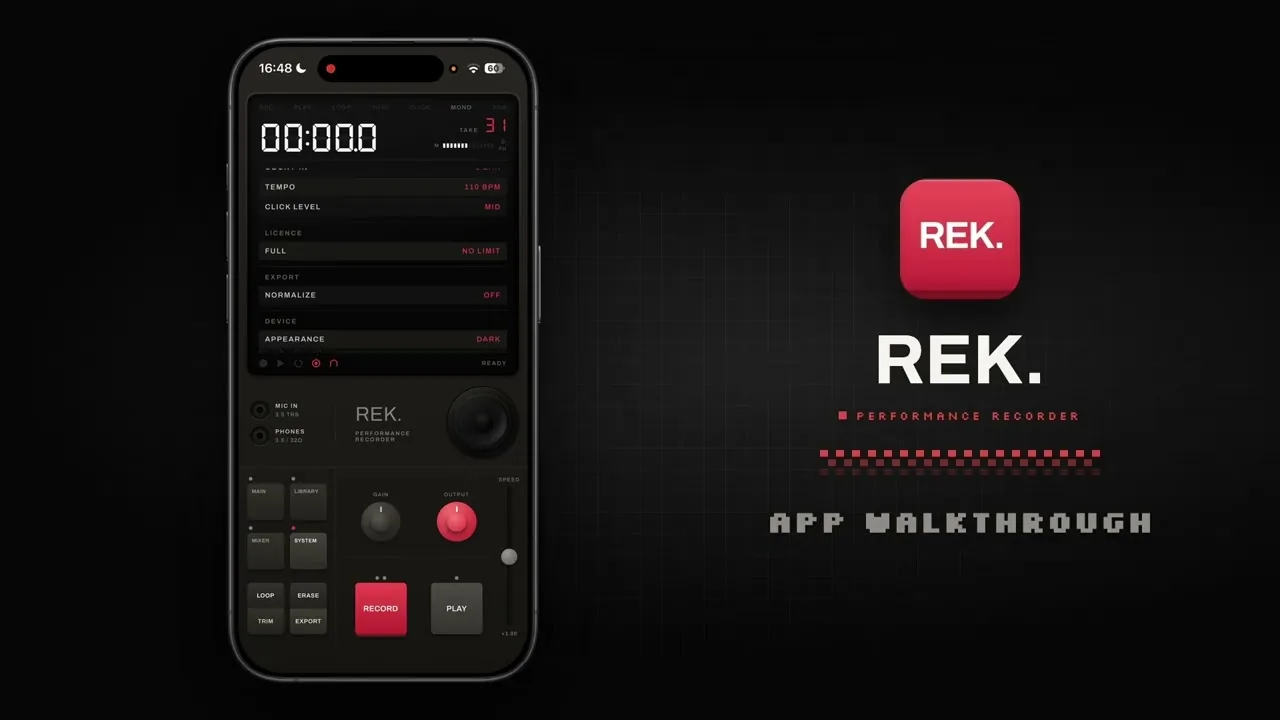
HOSTED ON YOUTUBE · LOADS WHEN YOU PRESS PLAY · NOTHING BEFORE THAT
COMPATIBILITY — ONE CABLE
Whatever you play it on.
Capture the performance.
REK. is a USB audio recorder: one USB-C cable from the box you are performing on to the phone in front of it. Synth, groovebox, sampler, drum machine, interface — if it is class-compliant it arrives as an ordinary input, and the pass you just played is a take.
Step by step: your synth, any groovebox, the EP-133, the Digitakt, Roland AIRA, or USB audio on iPhone in general.
05 DEVICES SHOWN · NO DRIVERS · NO SETUP
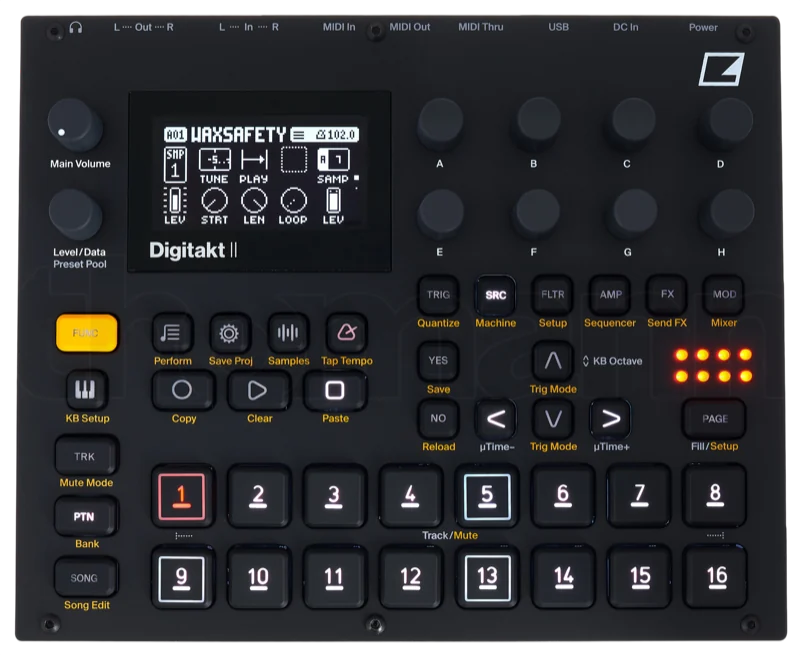
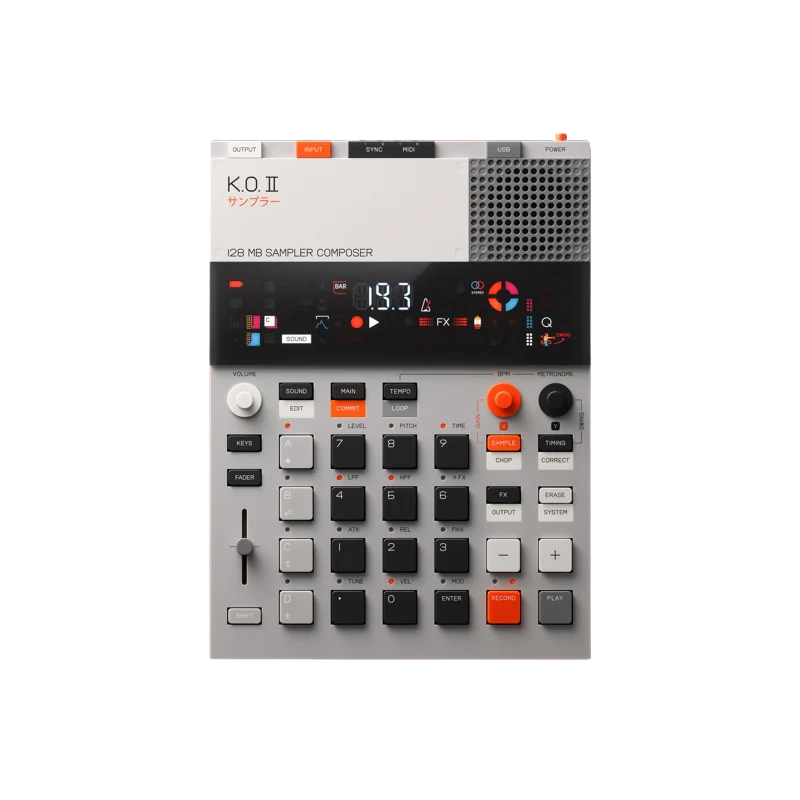
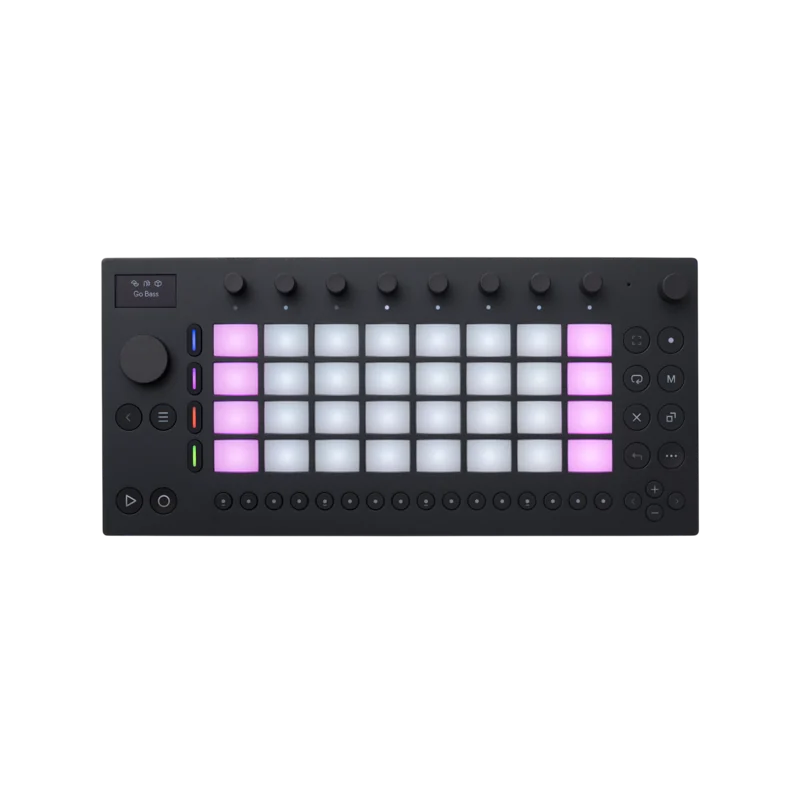
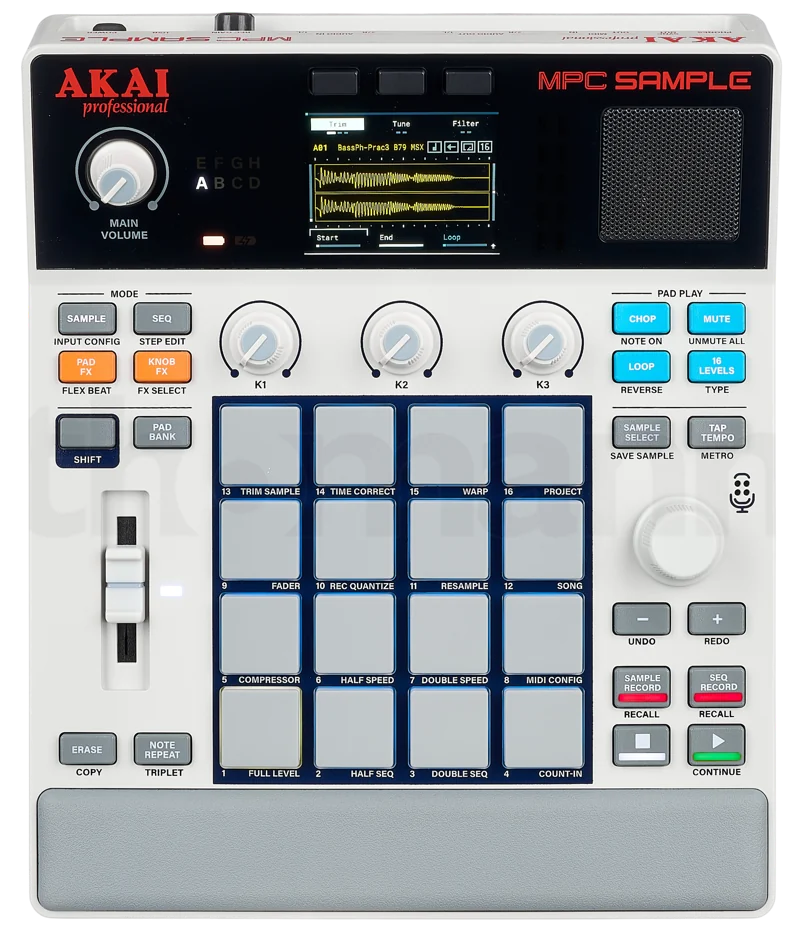
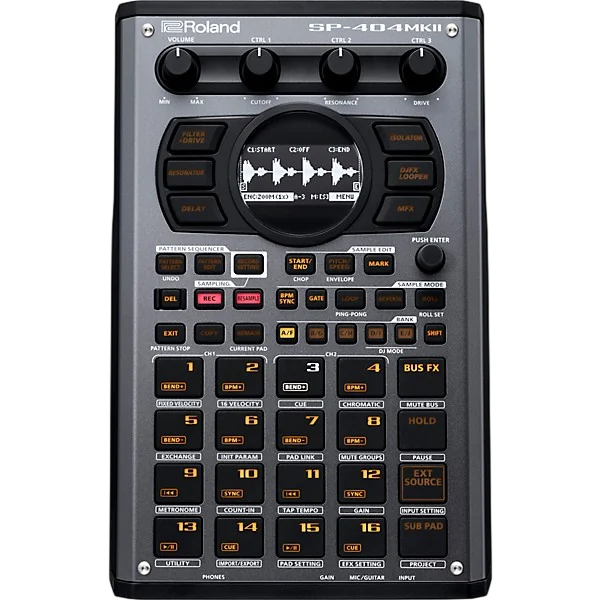


All device photographs are the copyright of their respective owners and are shown here for compatibility reference only. REK. is not affiliated with, or endorsed by, any of the manufacturers pictured.

FIG. 01 — CAPTURE
32-bit float in.
No ceiling to hit.
The record path is 32-bit float by default, so there is no clipping ceiling on the way in. 44.1, 48 or 96 kHz. Stereo when the route offers it, and USB-C class-compliant interfaces arrive as ordinary inputs. GAIN moves ±12 dB and you can hear it. Uncompressed, always.
MONITORING HAS AN AUTO MODE
THAT STEPS ASIDE FOR PLAYBACK
FIG. 02 — LIBRARY & EXPORT
WAV, AIFF, AAC.
Bit-exact by default.
Every take sits in one list, named for when it happened. WAV follows the take’s own depth. Normalize to −0.1 dBFS is there and switched off, so an ordinary export is a bit-exact copy. The mixdown streams: an hour lands in 2.4 seconds at 15.9 MB.

METRONOME
Click when you want it.
OFF, COUNT-IN, REC, or REC+PLAY. One or two bars in front, 40 to 240 BPM, synthesized clicks.
FILES
Named for when they happened.
The files in Files.app are the source of truth, not a database. Sidecars repair themselves if one goes missing.
THE DEVICE
Three appearances, ten accents.
Knobs stay where you left them. Core Haptics under the buttons. The speaker can be blown, playback only, and it sounds blown.
FIG. 03 — APPEARANCE
REPAINT
THE BOX
Ten accents and three appearances. The colour runs across the whole device — LCD, knobs and keys change with it, and the choice sticks between sessions.

NO ACCOUNT.
NO CLOUD.
NO MENUS.
Takes live on the phone, in Files.app, where you can see them. There is no sign-in, no sync spinner, and nothing to restore. That is the entire policy.
Questions
Can I stack layers or overdub?
No. A pass always makes a new take — that is the whole model.
Is it a subscription?
No. One payment, and there is no account to subscribe with in the first place.
What happens if I record too hot?
The record path is 32-bit float by default, so there is no clipping ceiling on the way in. GAIN sets what you monitor, and the PK lamp latches so you know it happened.
Where are my recordings stored?
On the phone, in Files.app, where the files themselves are the source of truth. Takes are named for when they happened, and sidecars repair themselves.
What if the app dies mid-take, or the disk fills up?
A failed write keeps the take. Low storage warns rather than refuses.
Does it work with an audio interface?
Yes. USB-C class-compliant interfaces appear as ordinary inputs, at 44.1, 48 or 96 kHz, so you can record a dawless setup straight to the phone.
Can I record my synth?
Yes. A synth that sends class-compliant USB audio plugs straight in. One that only has audio outputs goes through any class-compliant USB-C interface. Either way it arrives as an ordinary input. The synth recorder guide has the details.
Can I record a hardware jam without a computer?
That is what it is for. One cable from the groovebox, or from the interface your rig runs into, to the phone. No laptop, no DAW, no project: press record and play. The groovebox recorder guide walks through it.
Can I get stems, or an MP3?
No. Export is WAV, AIFF or AAC, and WAV follows the take’s own depth.
Is there an iPad or Android version?
No. It is an iPhone app, sized for one hand and one thumb.
FUNDING — FULL DISCLOSURE
EVERY DOLLAR
BUYS AN OP–XY.
Nothing this app earns goes back into the app. All of it goes toward my OP-XY budget, and whatever is left over goes to other Teenage Engineering gear. That is the entire business plan.
REVENUE POLICY · 100% GEAR · 0% APP
START
RECORDING.
Record is on the first screen when you open the app. There is nothing to set up first.
$9.99unlimited recording
Free1 minute per take